Colour-ready workflow
Swap between engraving, cutting, and CMYK printing modules to finish every product with vivid detail.

Swap between engraving, cutting, and CMYK printing modules to finish every product with vivid detail.
A 43 × 30 cm bed with autofocus and camera preview lets you position any project with confidence.
Beam Studio alignment, built-in safety sensors, and guided material presets remove guesswork.
Ador is the world’s first colour printing laser cutter. With its three interchangeable modules you can engrave and cut a variety of materials, as well as add colour to your projects. Just switch modules according to the material and creative requirements, significantly broadening your creative possibilities.

Designed with a user-friendly interface, Ador is the ideal laser crafting tool for professionals and an excellent starting point for beginners venturing into their artistic exploration. With unlimited possibilities at your fingertips, begin your journey into laser crafting with Ador now.
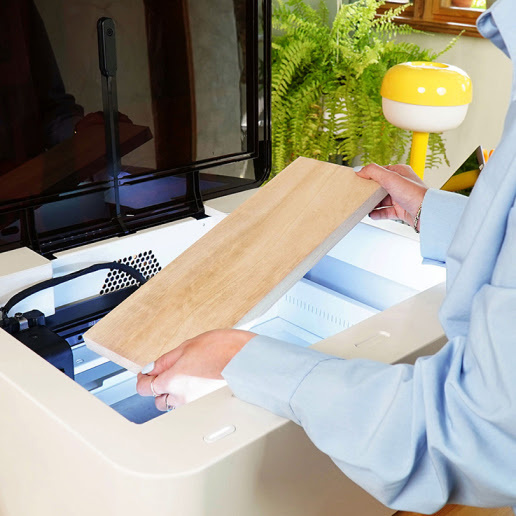
Ador has a big working space of 43 x 30 cm, allowing materials with a maximum thickness of 3 cm, expanding the horizons of your creativity.

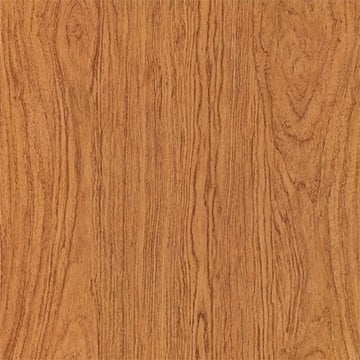
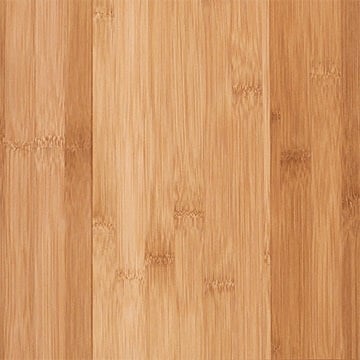
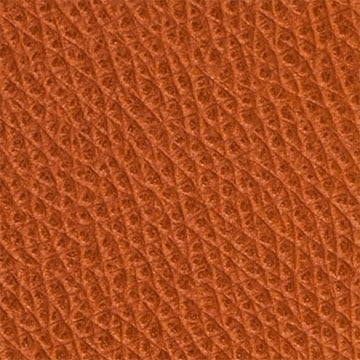
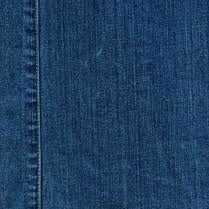
Cut and engrave an expansive range of materials.
Wood / Leather / Paper / Fabric
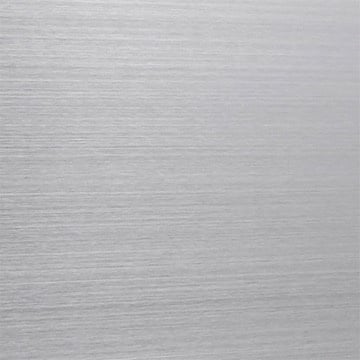
Engrave on metal and metallic materials with ease.
Metal / Plastic
Add vivid colours to your work: print a single colour, blended colours or gradients.
Wood / Canvas / Paper / Fabric

Whether you're a first-time user or a seasoned professional, Ador’s straightforward, intuitive ecosystem makes it simple and seamless to move from design to product.
Choose your material
Use wood, acrylic, leather, fabric or even stone and cement.
Drag and drop your design
Design in your preferred graphics editor and import it into our user-friendly application.
Engrave, cut or print colour
Watch the magic happen and wait for your machine to finish the project.
Project completed!
Time to show off, use, gift or even sell your creation.
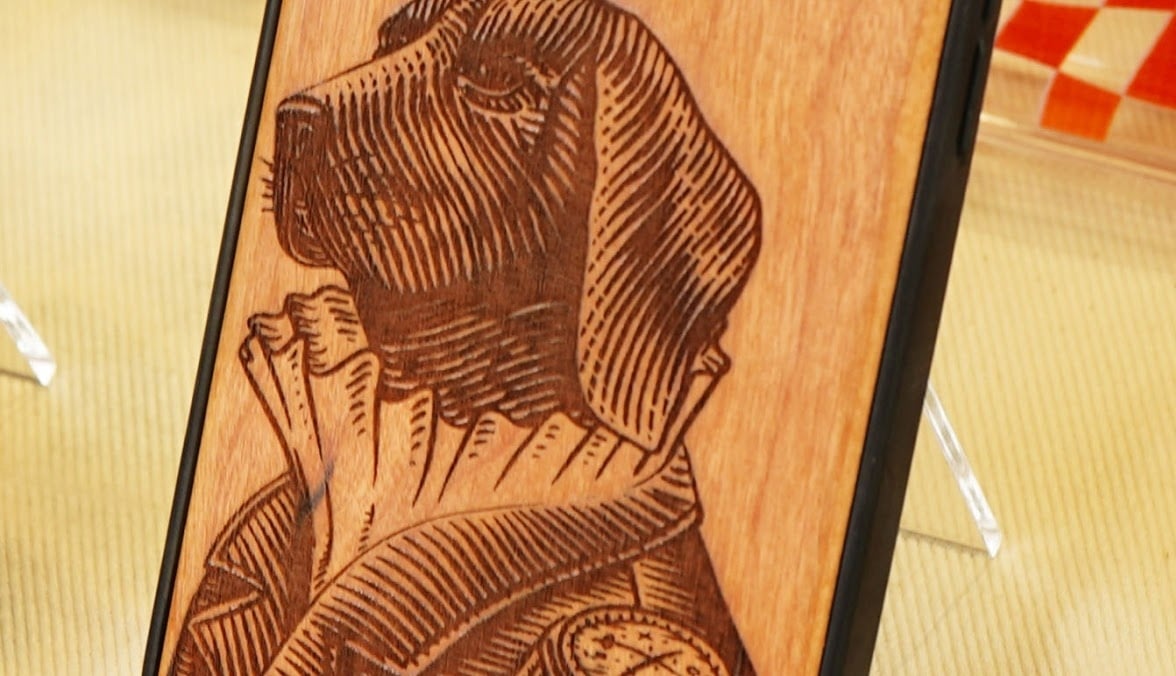
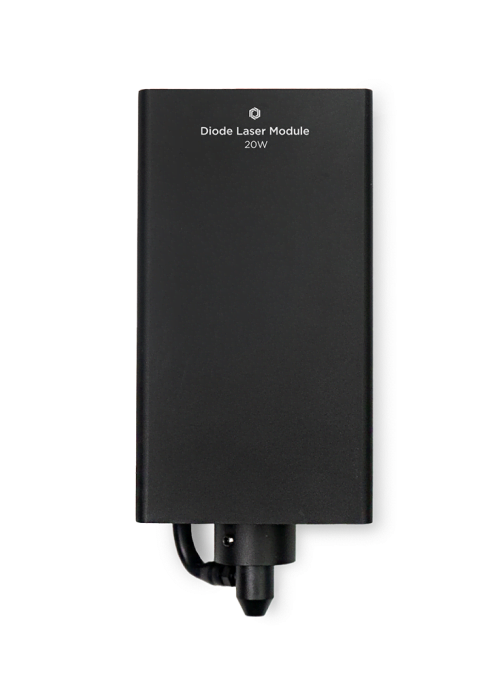
The diode laser module can cut and engrave a broad range of materials. Plywood, leather, black acrylic, and fabric can all be cut and engraved. Besides that, you can engrave rubber, anodised metal, cement, stone, and stainless steel.
The diode laser module has an impressive lifespan extending up to 10,000 hours reducing maintenance expenses significantly.
The main difference between the 10 W and 20 W diode laser is its power. The 20 W diode laser provides stronger cutting capabilities to help you cut through thicker materials with ease.
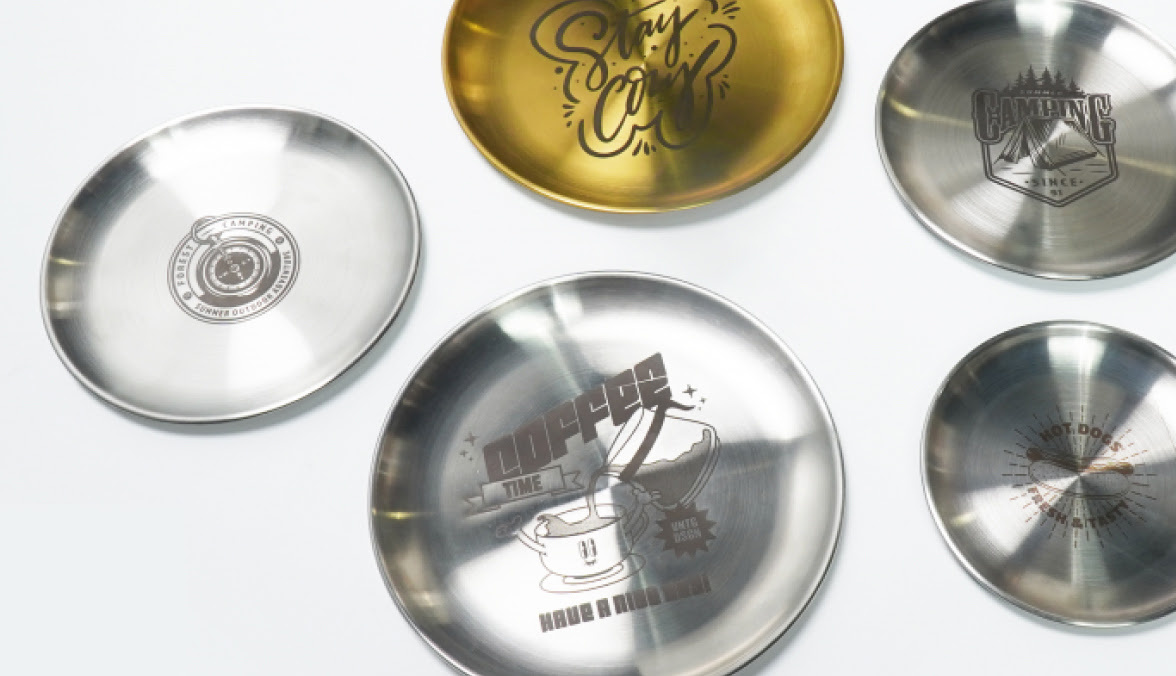
No more need to buy a second machine dedicated to metal engraving. Take your engraving to the next level with the optional 2 W infrared laser module. This add-on allows you to engrave additional metals and metallic materials.
You can easily engrave gold, silver, copper, titanium, anodised metal, aluminium and iron.
Ador is compatible with JPG, PNG, SVG, and DXF files, so just use the design software that is best for you. Adobe Illustrator, Adobe Photoshop, AutoCAD, CorelDraw, Inkscape, Sketch, even Microsoft Word!
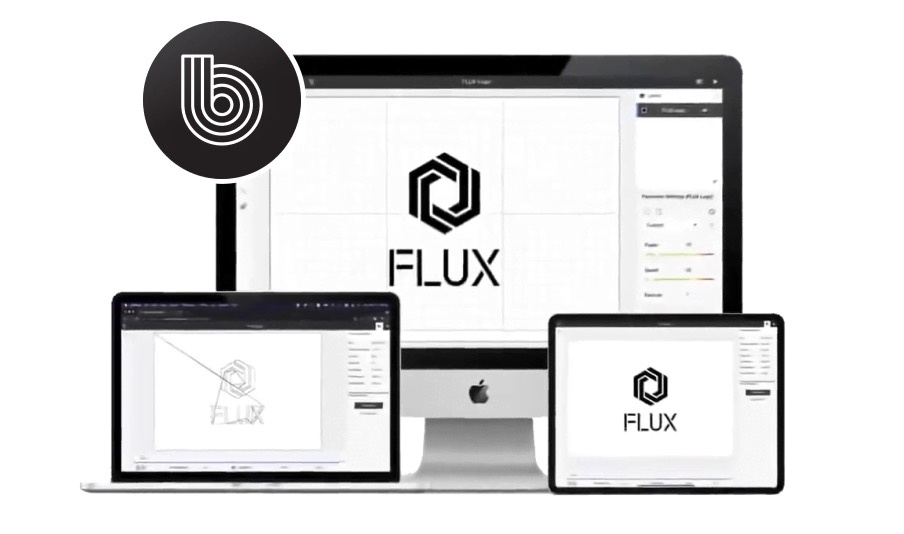
Our free in-house software Beam Studio provides a one-stop design experience for all FLUX laser cutter users.
Edit texts, vector files, bitmap images, align objects, and more for a seamless design experience.
Learn more about Beam Studio
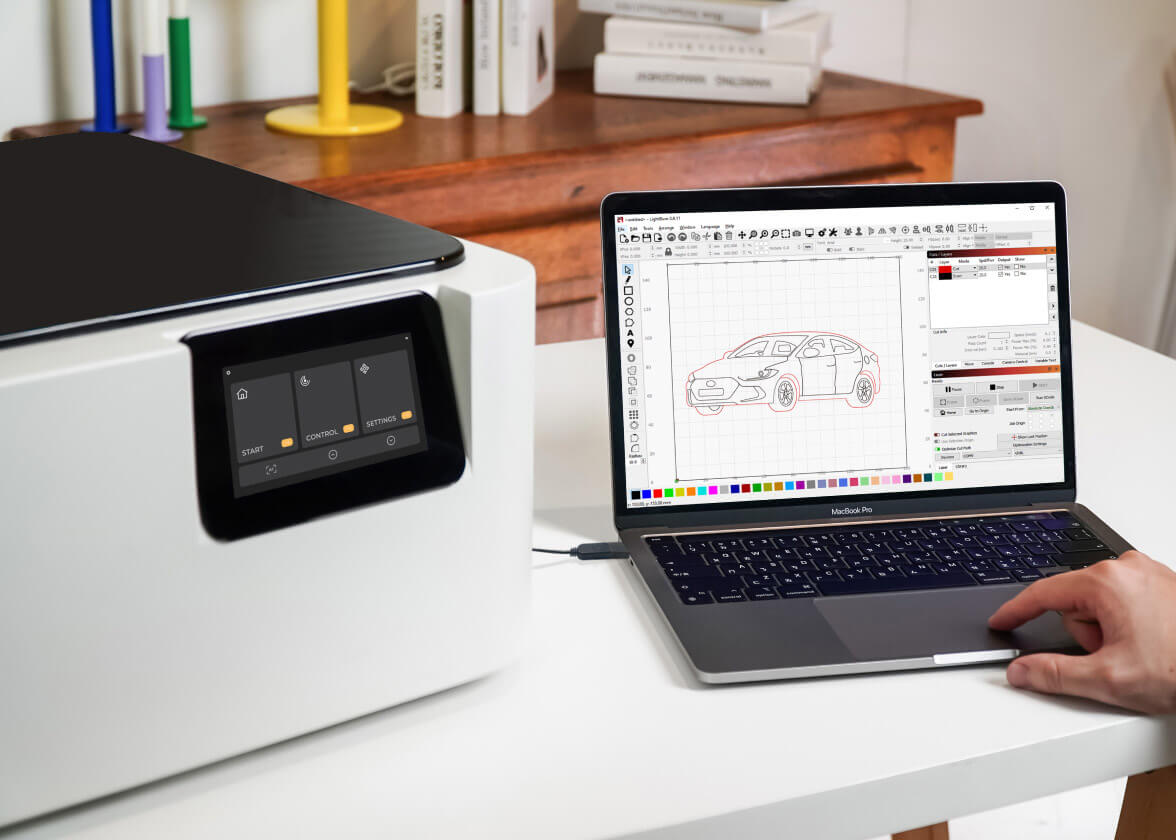
We have got you covered. If you are already using LightBurn to create and cut your projects, you can use our LightBurn bridge cable to connect and control your Ador, including its add-ons. Unlock the full potential of your laser cutter inside LightBurn.

Whether you are a hobbyist, educator, small business owner or part of a larger enterprise: discover the unparalleled versatility to bring your designs to life.
Streamline your manufacturing processes and create eye-catching products that will last.
Elevate your creative skills with the help of a laser cutter & engraver and colour printing.
Inspire children's creativity and bring their ideas to life with an innovative laser cutting and engraving experience.

Cut and engrave an expansive range of materials.
Wood / Leather / Paper / Fabric
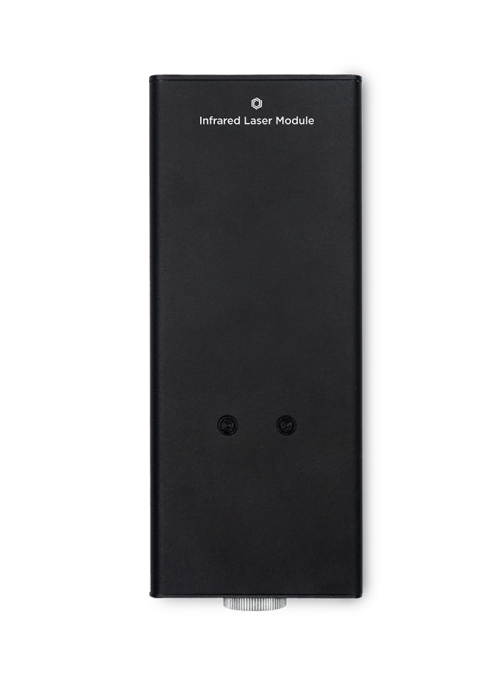
Engrave on metal and metallic materials with ease.
Metal / Plastic
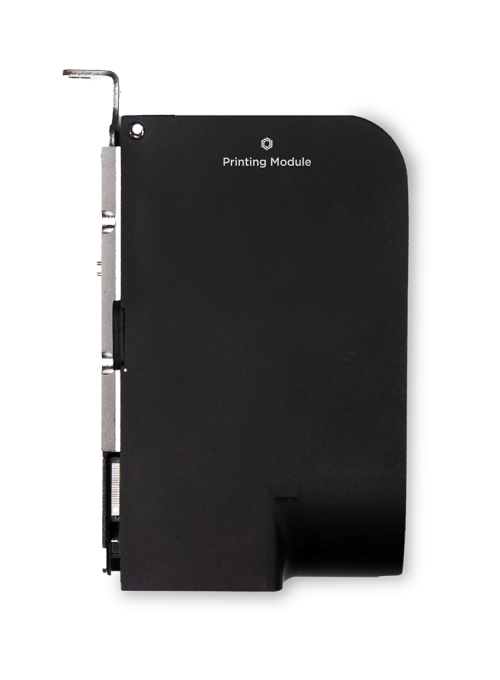
Add vivid colours to your work: print a single colour, blended colours or gradients.
Wood / Canvas / Paper / Fabric
10 W / 20 W diode laser module
The diode laser module can cut and engrave a broad range of materials. Plywood, leather, black acrylic, and fabric can all be cut and engraved. Besides that, you can engrave rubber, anodised metal, cement, stone, and stainless steel.
The diode laser module has an impressive lifespan extending up to 10,000 hours reducing maintenance expenses significantly.
The main difference between the 10 W and 20 W diode laser is its power. The 20 W diode laser provides stronger cutting capabilities to help you cut through thicker materials with ease.
Utilising colour blending technology, you can shift from simple single-colour printing to producing vibrant multi-colour effects, enhancing the vibrancy of your creations.
The optional printing module enables you to infuse vivid colours into your masterpiece.
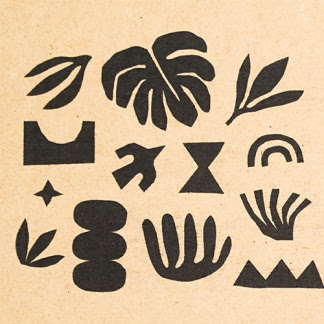
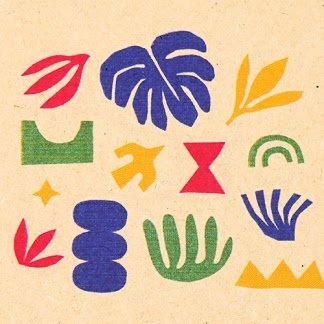
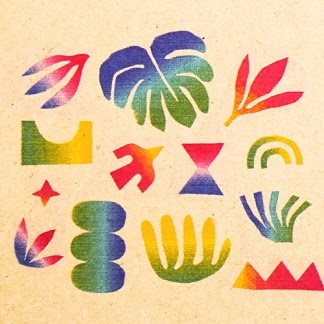
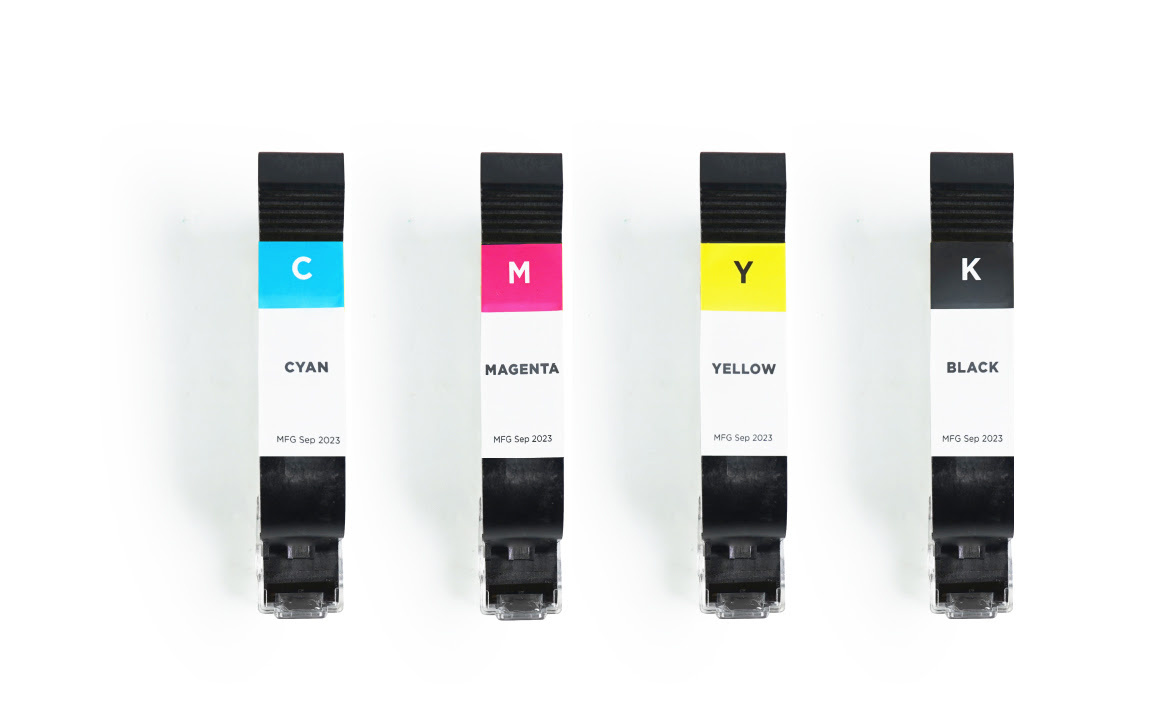
Ador works with cyan, magenta, yellow and black ink cartridges. Simply swap out the cartridge for colour prints as needed.
This ink is versatile, and suitable for printing on a wide array of materials including wood, bamboo, cardboard, fabric, and canvas. To ensure proper ink adhesion on porous surfaces, apply a primer.
The resolution for single-colour printing is 300 dpi, while blended-colour printing is 150 dpi.
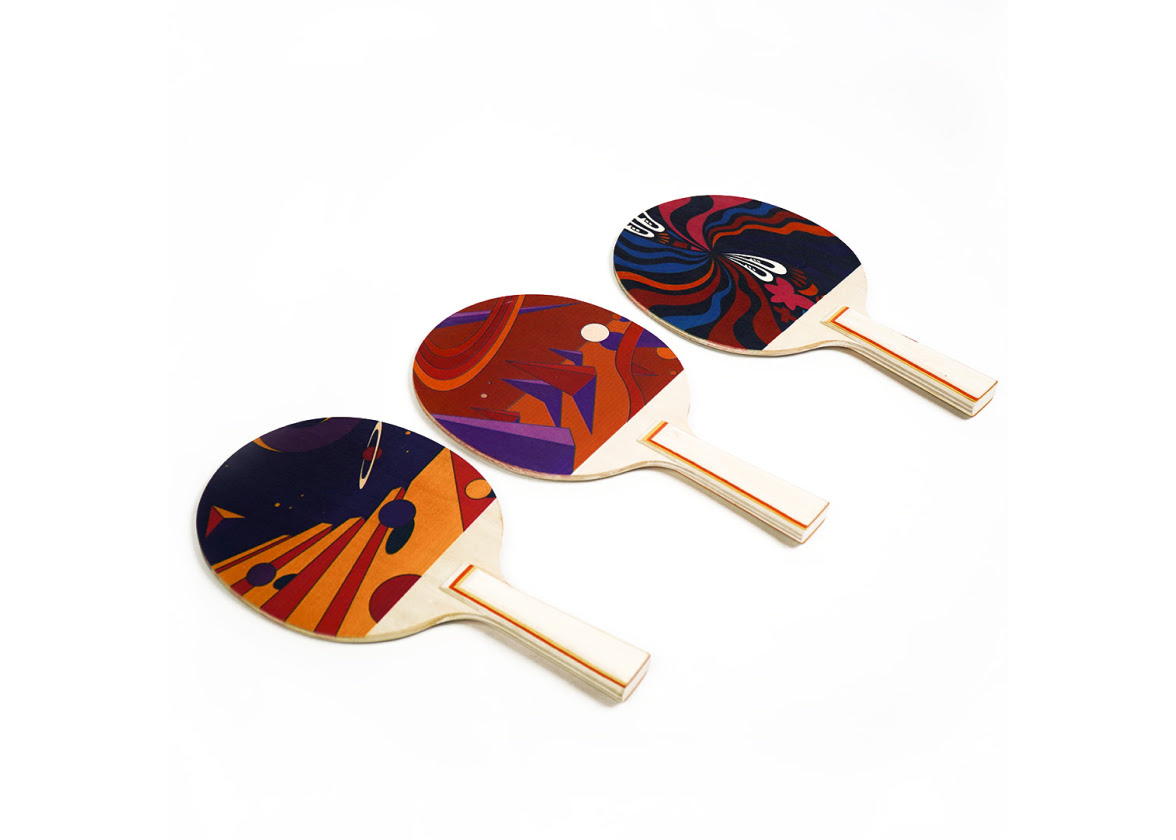
Ador specialises in printing on materials with flat surfaces, handling up to 30 mm thickness with precision and ease.
Our free in-house software Beam Studio provides a one-stop design experience for all FLUX laser cutter users.
Edit texts, vector files, bitmap images, align objects, and more for a seamless design experience.
We have got you covered. If you are already using LightBurn to create and cut your projects, you can use our LightBurn bridge cable to connect and control your Ador, including its add-ons. Unlock the full potential of your laser cutter inside LightBurn.
Material compatibility
Pulled directly from the FLUX store diode/material list so you can answer “Will it cut this?” with confidence.