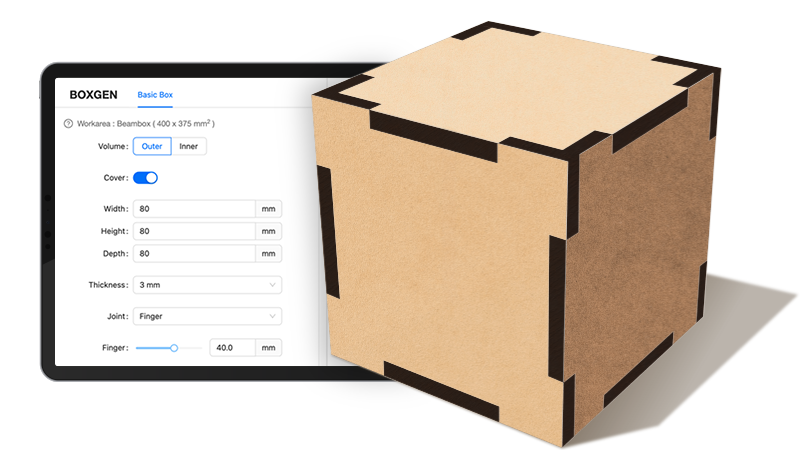
Boxgen
Jumpstart your project creation journey with custom 3D laser-cut designs.
Ready-to-cut box layouts
Free laser cutter software built for FLUX Lasers, Beam Studio works on desktop, tablet, and mobile, enabling seamless creation across multiple platforms.
Start your project in Beam Studio, using its powerful built-in features, or fine-tune your designs later using a comprehensive set of post-processing tools.
* Web-version only supports Firmware v3.5.2 & above. * Recommend using Google Chrome or Safari.
Real-time preview through your FLUX Laser’s built-in camera.
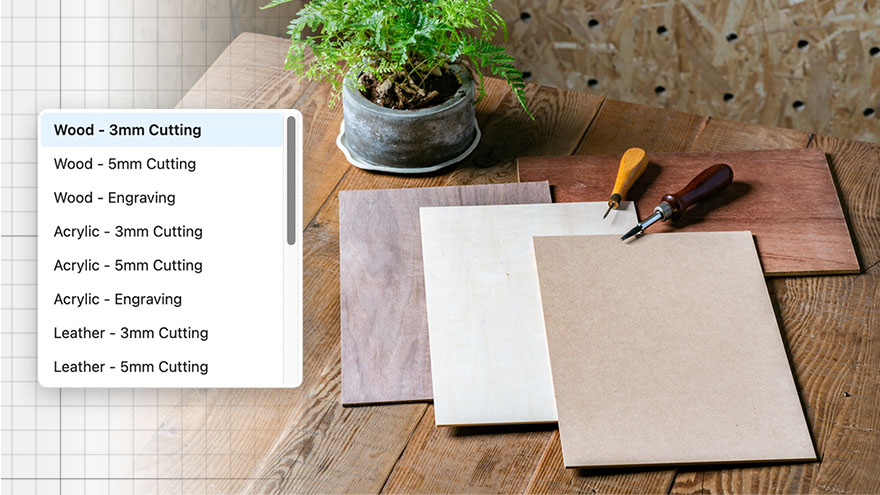
Select fine-tuned cutting and engraving settings for common materials.
Text on path, weld text, vertical text, and more for every typographic need.

Choose from over 1,000,000+ vector elements to start your design.
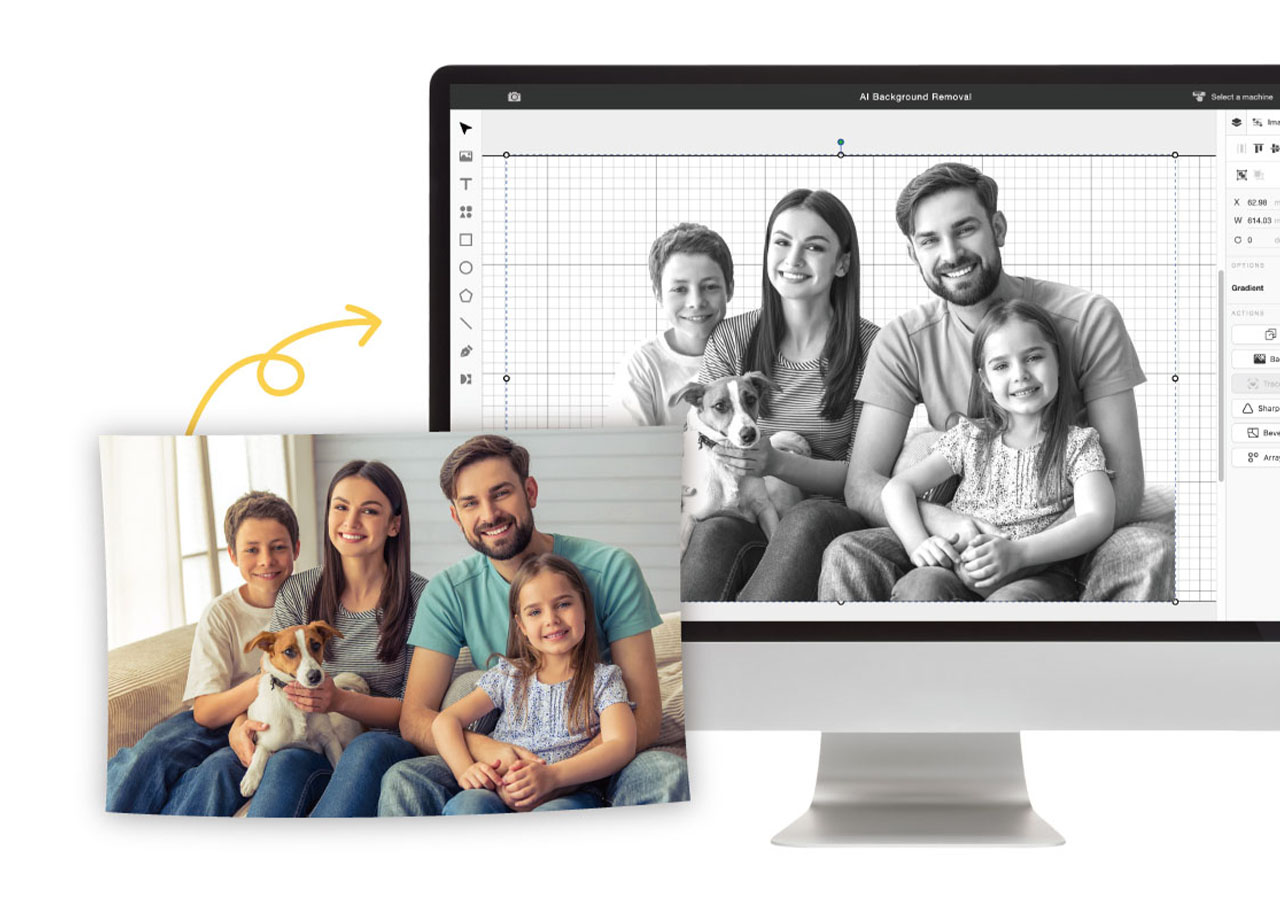
One-click to effortlessly remove image backgrounds, ideal for your portrait and pet photos.
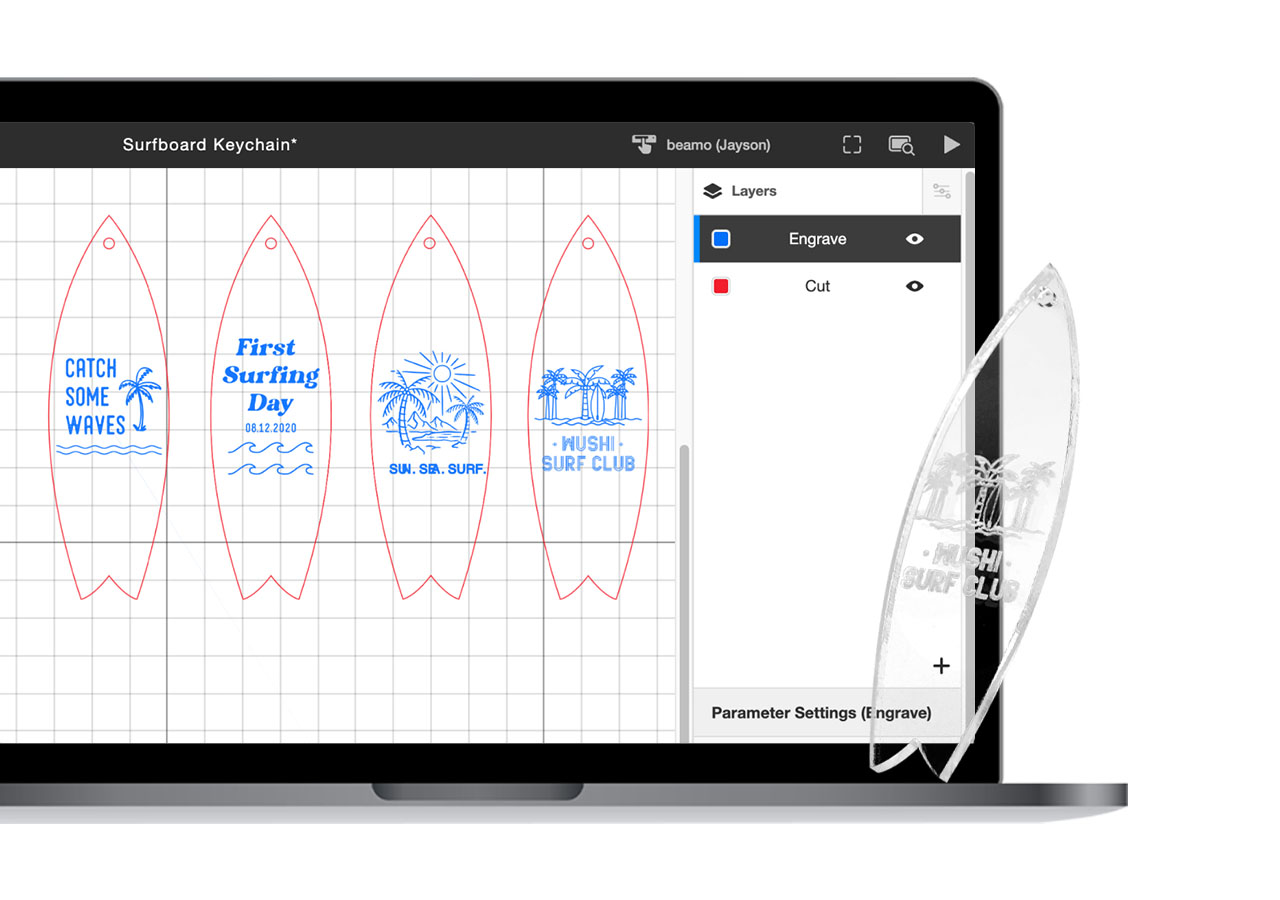
Simply set up multiple layers for each cutting and engraving task in one project. Always engrave first before cutting.
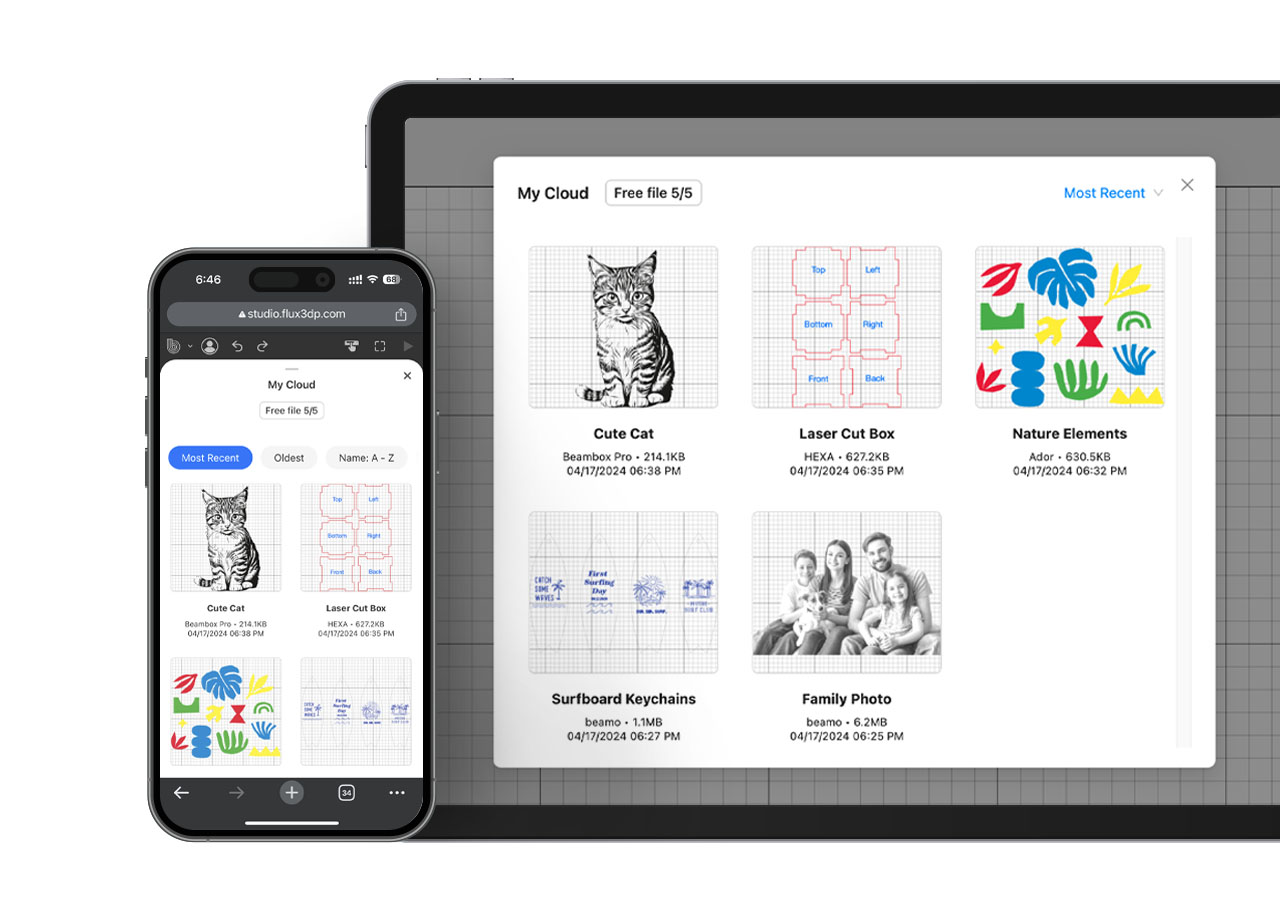
Seamlessly access your design files across devices and work from anywhere.
Jumpstart your project creation journey with custom 3D laser-cut designs.
Ready-to-cut box layouts
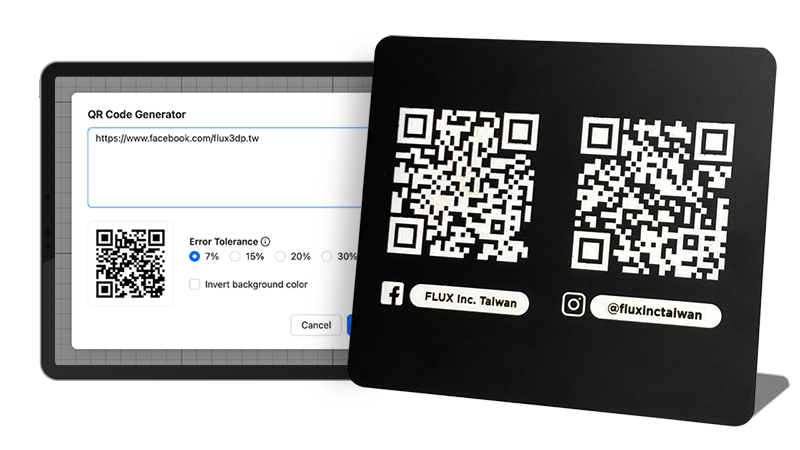
Generate QR codes for any link or text to engrave or cut.
QRs for links & text
Save material by selecting multiple elements then one-click to organize.
Array layout for repeating designs with consistent spacing.
Create precise outlines or inset paths instantly.
Convert images into cut-ready vector shapes with tracing.
Adjust tonal gradients to prep artwork for engraving.
Flip artwork luminance for cleaner engravings.
Combine, subtract, or intersect shapes with boolean tools.
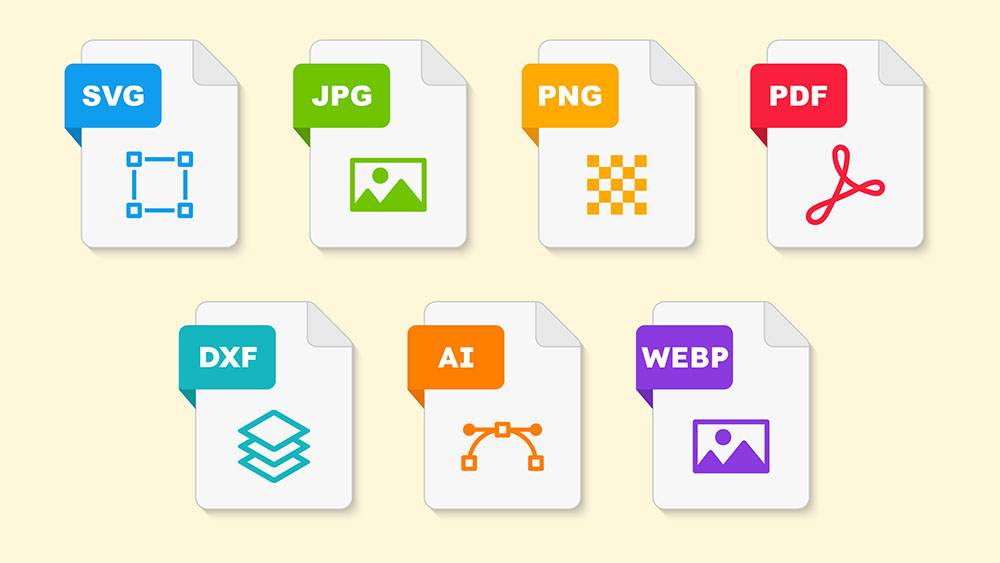
Create your designs using popular laser-cut design software and seamlessly transfer them to Beam Studio.









SVG / JPG / PNG / PDF / DXF / AI / WEBP
*Supports sliced DXF and PDF files in Fusion 360
One-click to import your work from Illustrator for a smooth workflow.
FLUX laser cutters can connect to and receive commands from multiple computers or mobile devices using Beam Studio.