Built-in HD camera
Preview every project before you hit start. Beamo’s built-in camera and Beam Studio software let you position artwork exactly where you want it.

Preview every project before you hit start. Beamo’s built-in camera and Beam Studio software let you position artwork exactly where you want it.
Lid sensors, emergency stop switch, and a closed-loop water cooling system keep every job safe and reliable for classrooms and studios alike.
Engrave incredible details down to 0.05 mm with a 30 W CO₂ laser and a crisp 1,000 dpi resolution tailored for professional finishes.
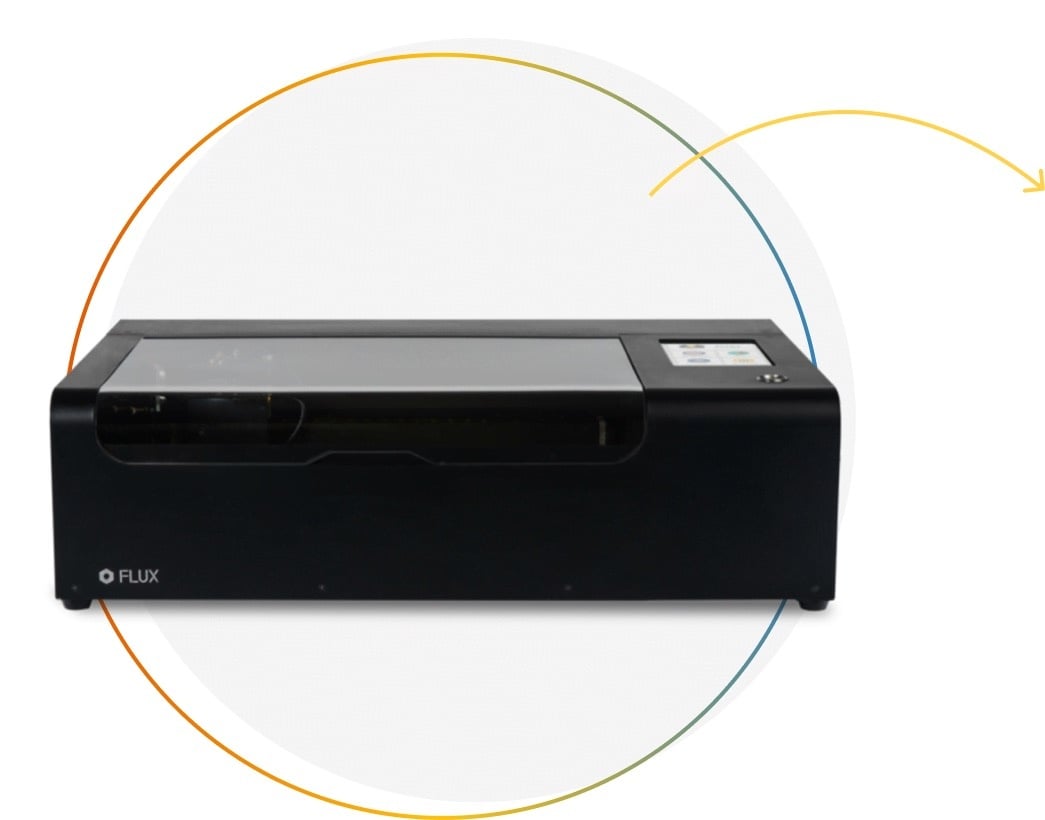
Beamo is a powerful and compact 30 W CO₂ desktop laser cutter that can cut and engrave a range of materials including metals. With its easy-to-use design, intuitive controls and features, you can create amazing things effortlessly. Beamo packs features found in professional industrial laser cutters, including integrated safety.

Beamo's sleek, modern and compact design fits beautifully in any home, school or workshop space. It comes pre-assembled with a metal body and acrylic lid, measuring 61.5 x 44.5 x 17.7 cm.
Bring your designs to life with its 30 W CO₂ laser operating on a 30 x 21 cm work area.

Beamo's add-on modules enable customisation of products in various shapes, styles, and materials, including steel and rounded objects. Ideal for small businesses.
Expand your Beamo’s potential with the easy-to-install rotary add-on. This accessory lets you engrave curved objects like glassware and bottles. The rotary module spins the workpiece while the laser engraver is working.
Beamo doesn't require any prior laser experience; the autofocus attachment will adjust to your materials as needed. Enjoy reliable cutting, even with thicker materials.
With Beamo you can design personalised gifts, craft projects, home decor, jewellery, custom packaging, tags, educational materials and so much more... The only limit is your imagination!

Whether you are a hobbyist, educator, small business owner or part of a larger enterprise: discover the unparalleled versatility to bring your designs to life.
Streamline your manufacturing processes and create eye-catching products that will last.
Elevate your creative skills with the help of a Beamo laser cutter & engraver.
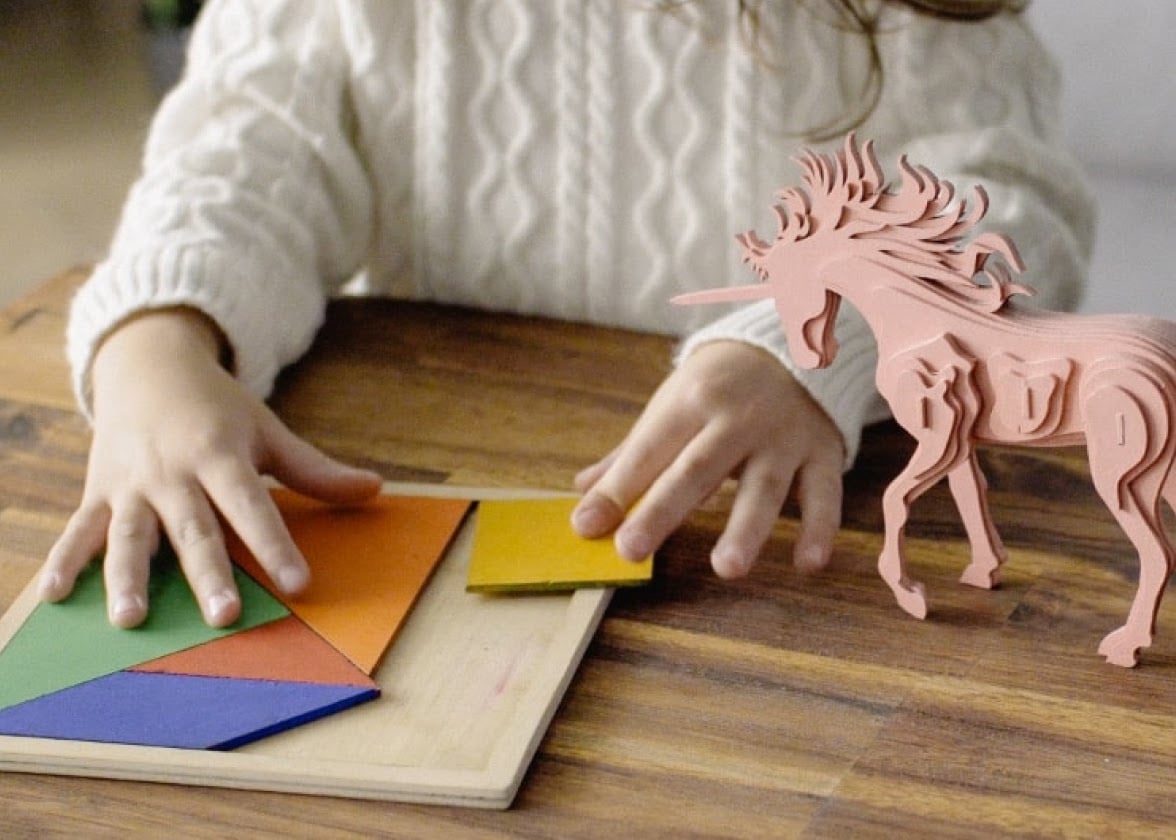
Inspire children's creativity and bring their ideas to life with Beamo’s laser cutting and engraving experience.

Whether you're a first time user or a more advanced professional, Beamo’s straightforward, intuitive ecosystem makes it easy and hassle-free to go from design to product.
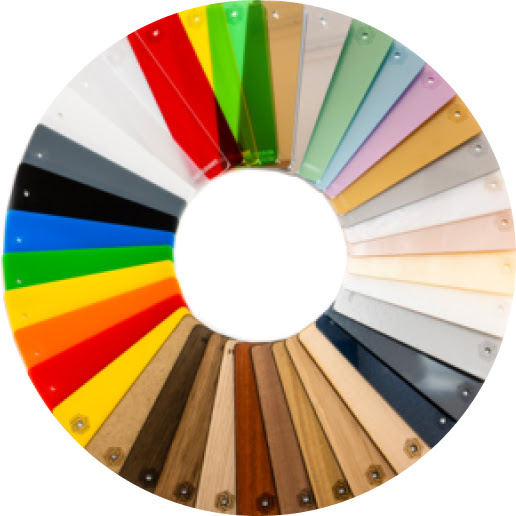
Use wood, acrylic, leather, fabric or even stone and cement.
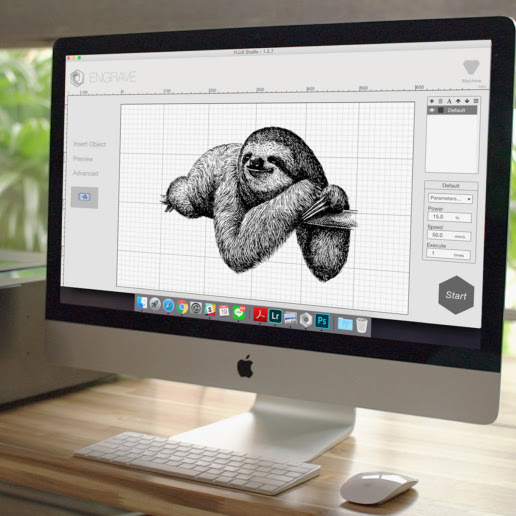
Design in your preferred graphics editor and import it into our user-friendly application. Or take a photo and upload it.
Watch the magic happen and wait for your Beamo to finish the project.
Time to show off, use, gift or even sell your creation.
Customise a wide range of products in any unique shape or style. Beamo laser cutter add-on accessories offer additional configurations and material options. This includes steel and rounded objects, making it ideal for your small business needs.
Material compatibility
Pulled directly from the FLUX store diode/material list so you can answer “Will it cut this?” with confidence.
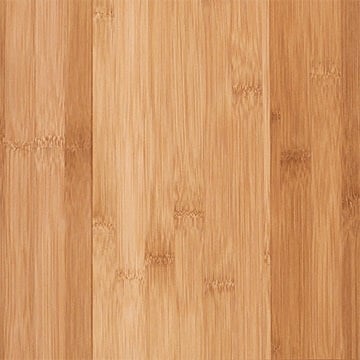
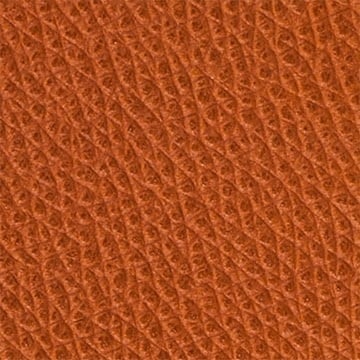


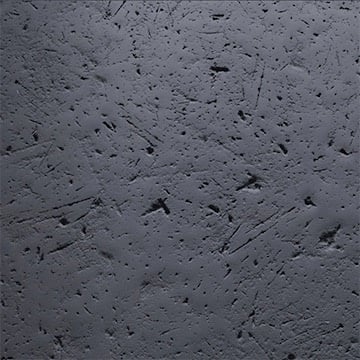



Say goodbye to guesswork. Simply take a snapshot before you print. The built-in HD camera allows you to preview your design on any material. This makes cutting and engraving a breeze. Use our Beam Studio software to preview the work area and position your design exactly where you want it.
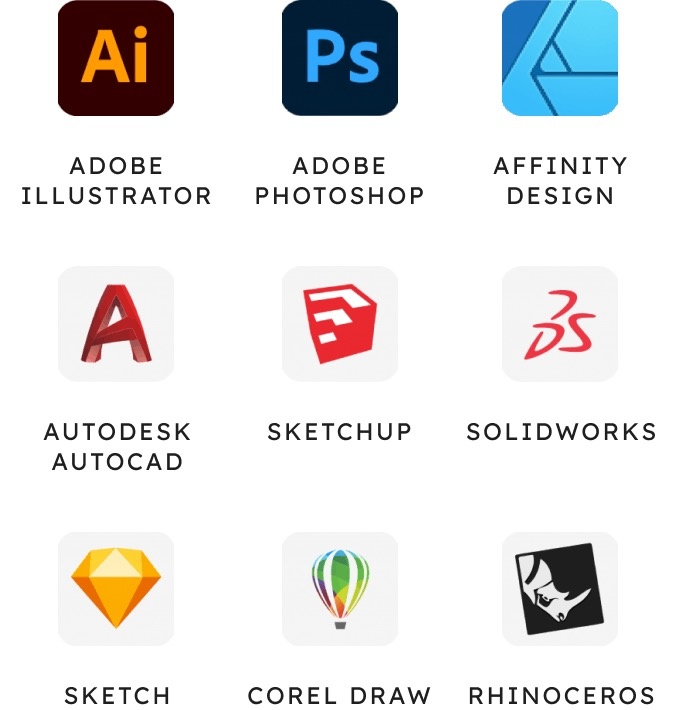
Beamo is compatible with JPG, PNG, SVG, and DXF files, so just use the design software that is best for you. Adobe Illustrator, Adobe Photoshop, AutoCAD, CorelDraw, Inkscape, Sketch, even Microsoft Word!
Our free in-house software Beam Studio provides a one-stop design experience for all FLUX laser cutter users.
Edit texts, vector files, bitmap images, align objects, and more for a seamless design experience.
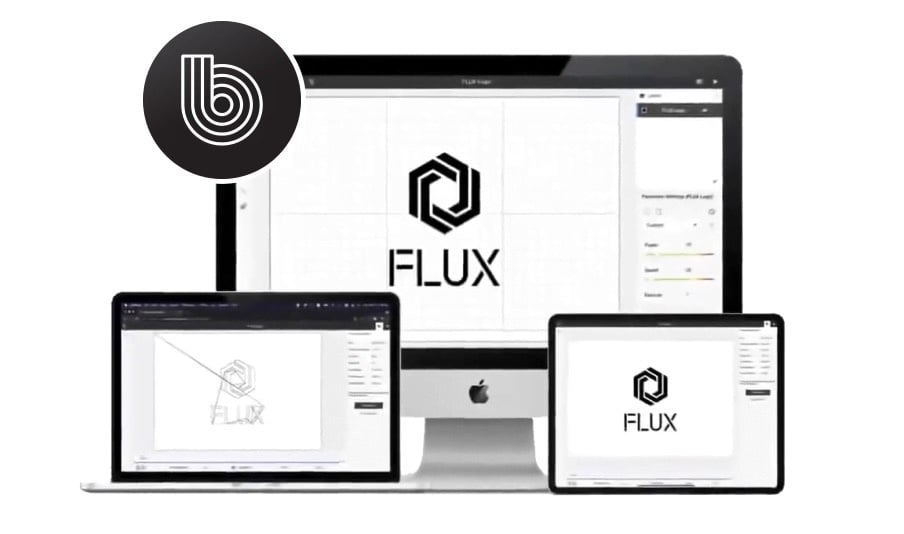
We have got you covered. If you are already using LightBurn to create and cut your projects, you can use our LightBurn bridge cable to connect and control your Beamo, including its add-ons. Unlock the full potential of your laser cutter inside LightBurn.
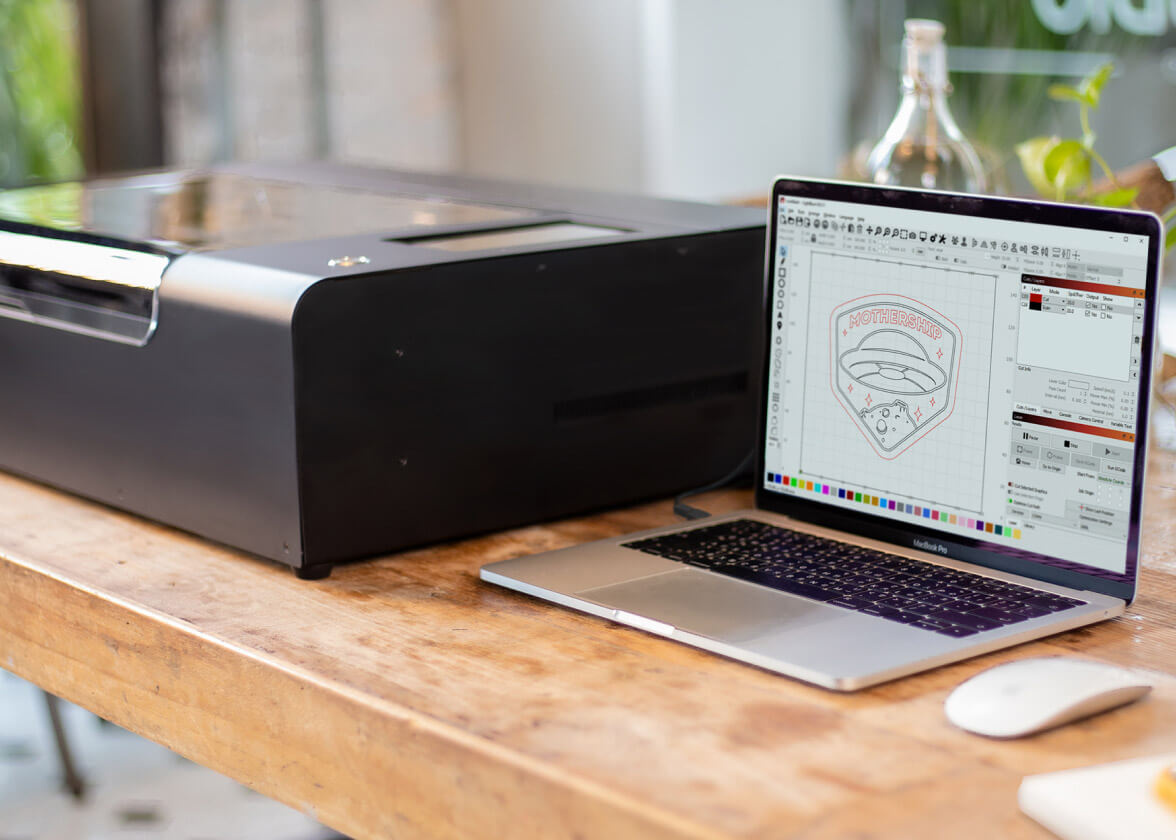
With Beamo’s Wi-Fi connection, you’re in control no matter where you are. Change settings, transfer files and keep an eye on your projects with ease. When you download Beam Studio, you can transition from drawing or uploading a photo to cutting or engraving almost instantly.
Rest easy with Beamo’s thoughtful safety features, including a fully enclosed design and auto-pause functions to stop production at any time. Opening the lid automatically pauses the running task.
Equipped with a Class 1 laser, it is completely safe for everyday use.
Meet the compact workhorse that fits in your studio yet delivers pro-grade performance.