Camera alignment
Use the built-in HD camera to preview the work area and your workpiece on your laptop or phone. Place your design exactly where you want in Beam Studio, so you get exactly what you expect.
Keep your makerspace, office or classroom fresh with this air filter for professional laser cutters, like our Beambox, Beambox Pro, and HEXA.
Use the built-in HD camera to preview the work area and your workpiece on your laptop or phone. Place your design exactly where you want in Beam Studio, so you get exactly what you expect.
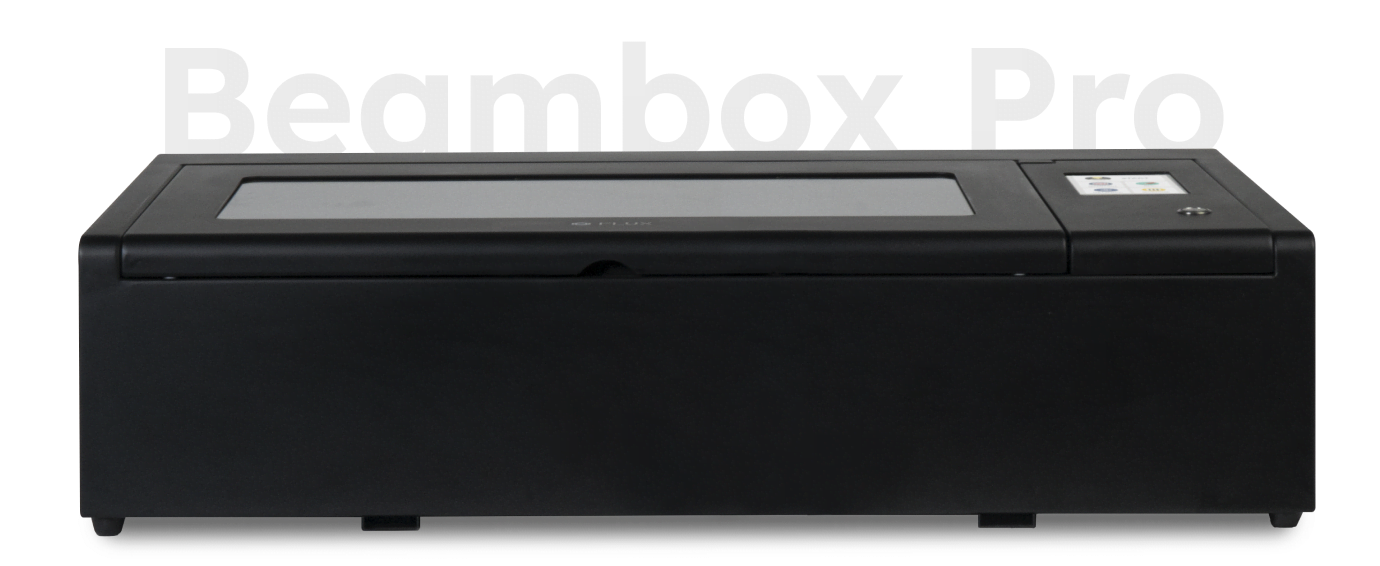
Beambox Pro features a 50 W laser that engraves details down to 0.05 mm with 1,000 dpi resolution. Its Class 1 laser keeps the system suitable for any location or audience.
Beambox Pro keeps a compact footprint (99 × 67 × 25 cm) while increasing the work area to 60 × 37.5 cm—ideal for schools, studios, and production teams who need extra space.
Our Beambox Pro desktop laser cutter is 19 cm wider than our standard Beambox, with a larger work area (60 x 37.5 cm). It also has a more powerful 50 W CO₂ laser, which allows you to cut and engrave materials like wood, leather, acrylic,..., as well as engrave certain metals. With its revolutionary design and user-friendly interface, you're just a few steps away from creating incredible things.
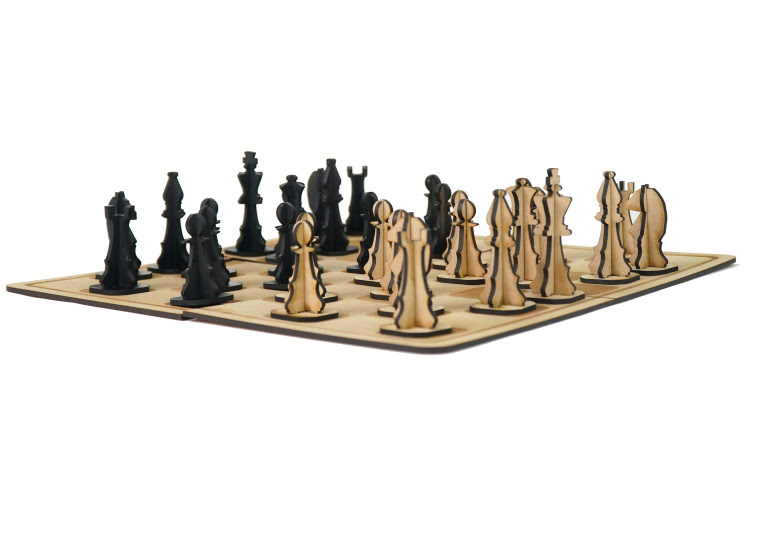
Beambox Pro is a powerful laser cutter and engraver that lets you shape, cut, and engrave materials like wood, leather, acrylic, and cardboard. It meets all your expectations, and goes way beyond.
With its size (99 x 67 x 25 cm) and larger work area (60 x 37.5 cm), Beambox Pro is suitable for any home, school, or small business.
Looking for something smaller?

Whether you're a first-time user or a seasoned professional, Ador’s straightforward, intuitive ecosystem makes it simple and seamless to move from design to product.
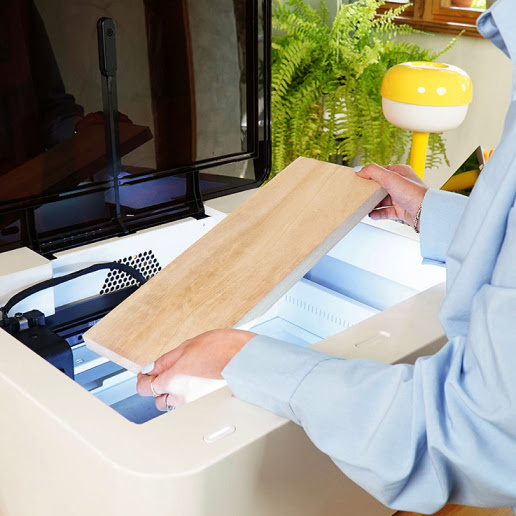
Use wood, acrylic, leather, fabric or even stone and cement.
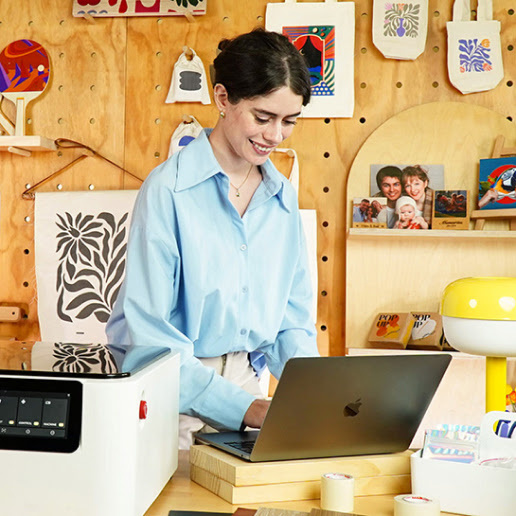
Design in your preferred graphics editor and import it into our user-friendly application.
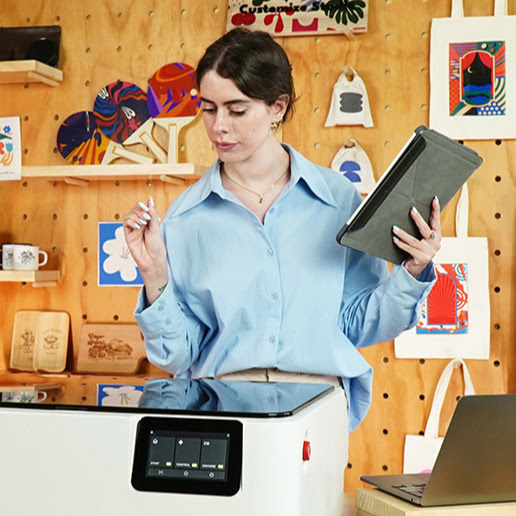
Watch the magic happen and wait for your machine to finish the project.

Time to show off, use, gift or even sell your creation.
You can shape, cut, and engrave an enormous range of materials including wood, leather, acrylic, fabric, cardboard, stainless steel, anode metal, glass, cement, and much more.
Material compatibility
Pulled directly from the FLUX store diode/material list so you can answer “Will it cut this?” with confidence.
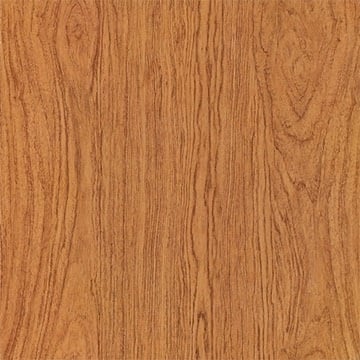
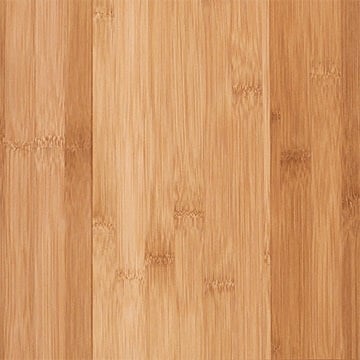
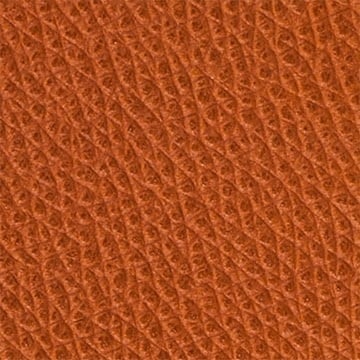



Say goodbye to guesswork. Simply take a snapshot before you print. The built-in HD camera allows you to preview your design on any material. This makes cutting and engraving a breeze. Use our Beam Studio software to preview the work area and position your design exactly where you want it.
Beambox Supports Various File Formats
SVG / PNG / JPG / DXF / PDF / AI







Our free in-house software Beam Studio provides a one-stop design experience for all FLUX laser cutter users.
Edit texts, vector files, bitmap images, align objects, and more for a seamless design experience.
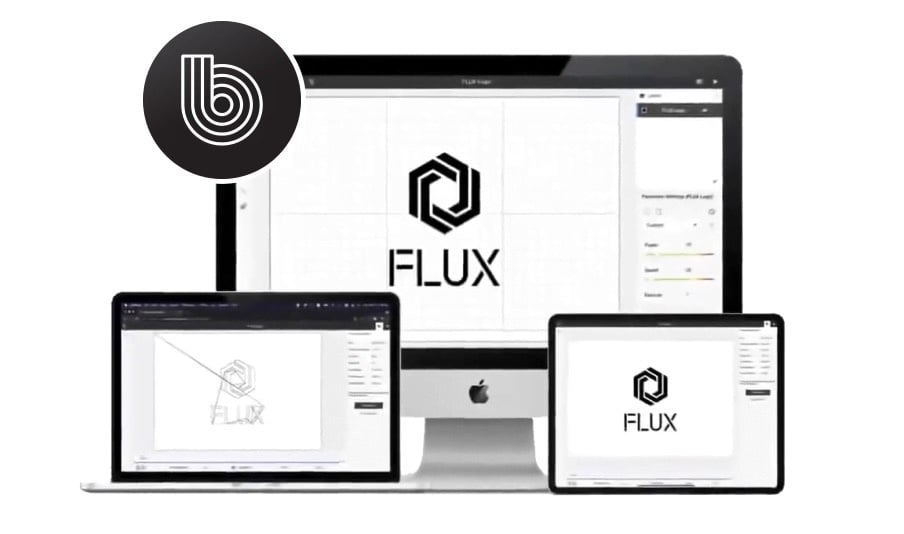
We have got you covered. If you are already using LightBurn to create and cut your projects, you can use our LightBurn bridge cable to connect and control your Beamo, including its add-ons. Unlock the full potential of your laser cutter inside LightBurn.
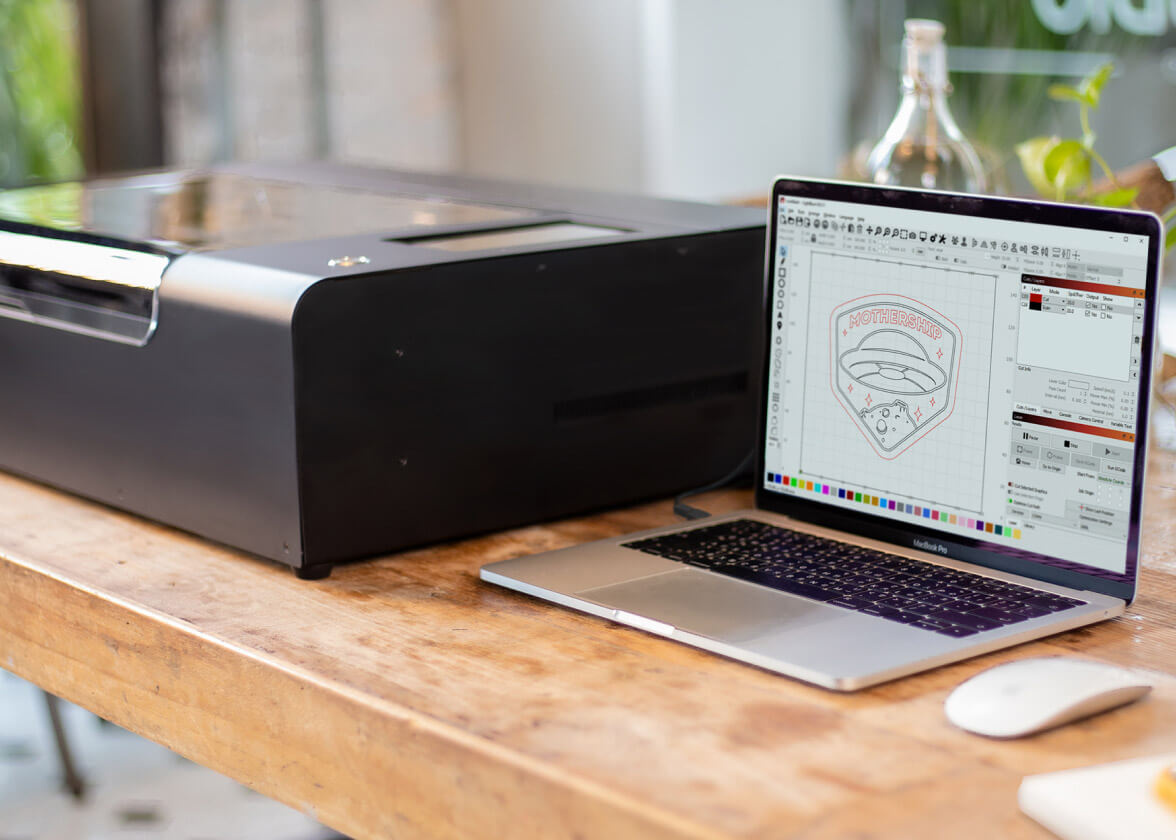
Beambox Pro can connect to your wireless network, allowing you to change settings, transfer files and monitor the status of your work. No matter where you are, via Wi-Fi, Beambox Pro is at your disposal.
Beambox Pro prioritises safety with its thoughtful design features. The machine is completely enclosed, and it will pause if the lid is opened during a task. In addition, a single switch allows for immediate machine shutdown in the event of an emergency. Beambox Pro is outfitted with a Class 1 laser that is completely safe for normal use.
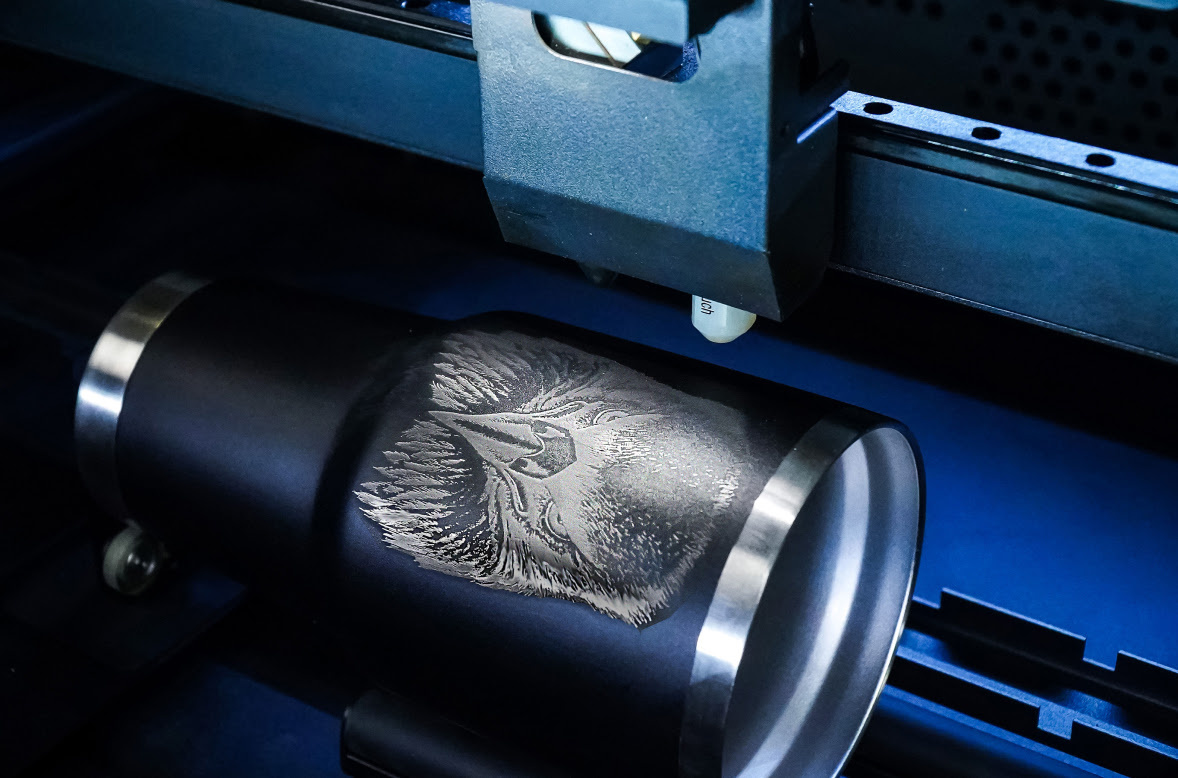
The Rotary 2.0 is a simple and easy-to-install add-on that expands your Beambox Pro's capabilities. This accessory allows you to engrave and personalise drinkware and other cylindrical objects made of glass, stainless steel, wood, and other materials with a maximum diameter of 75 mm.
Learn more about Rotary 2.0 add-on
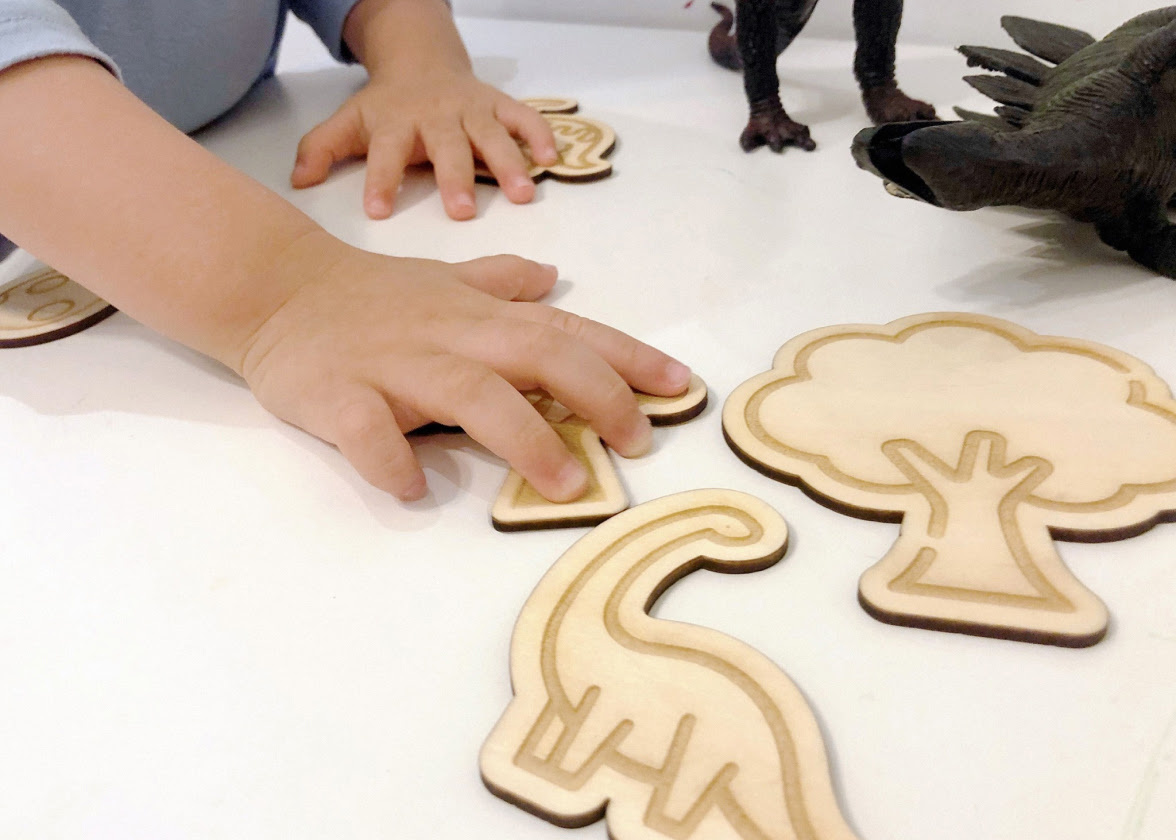
With Beambox Pro you can design personalised gifts, craft projects, home decor, jewellery, custom packaging, tags, educational materials and so much more... The only limit is your imagination!

Whether you are a hobbyist, educator, small business owner or part of a larger enterprise: discover the unparalleled versatility to bring your designs to life
Streamline your manufacturing processes and create eye-catching products that will last with Beambox Pro.
Elevate your creative skills with the help of a Beambox Pro laser cutter & engraver.
Inspire children's creativity and bring their ideas to life with Beambox Pro’s laser cutting and engraving experience.